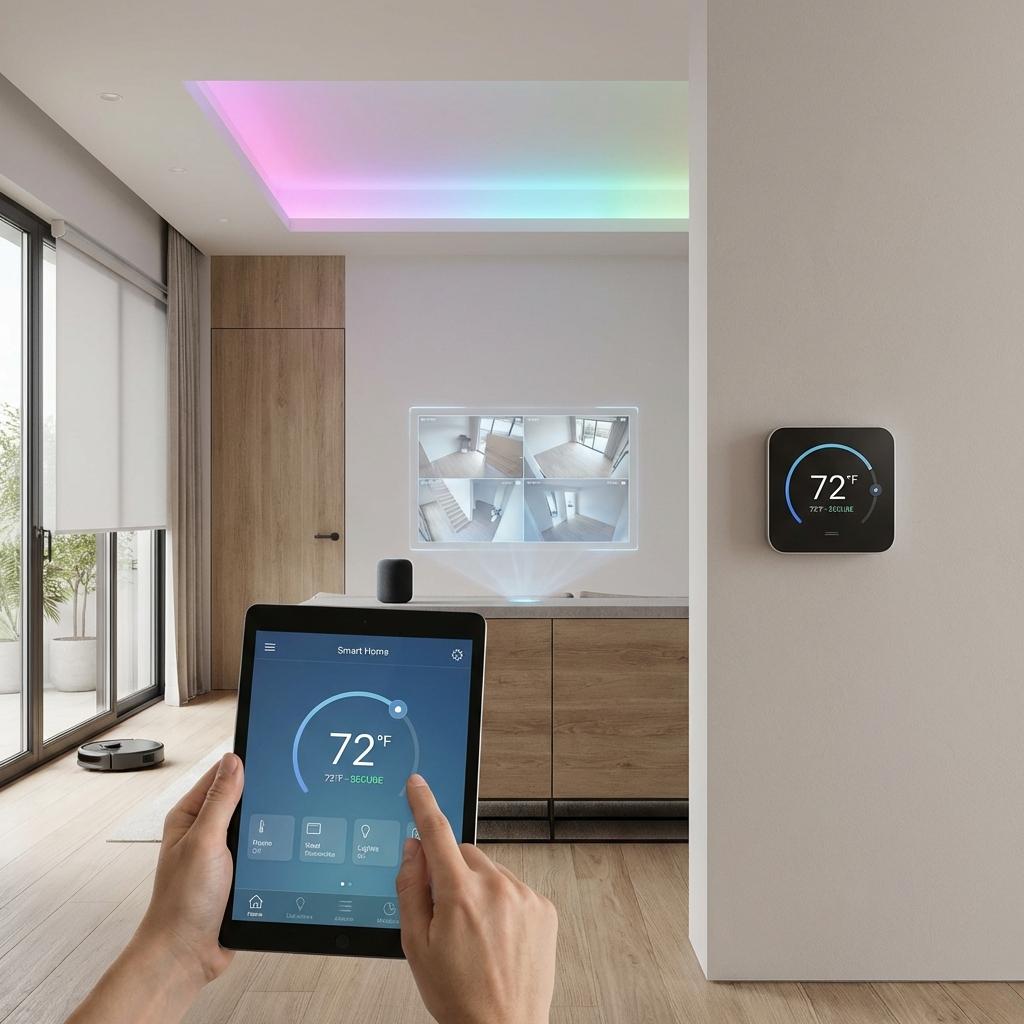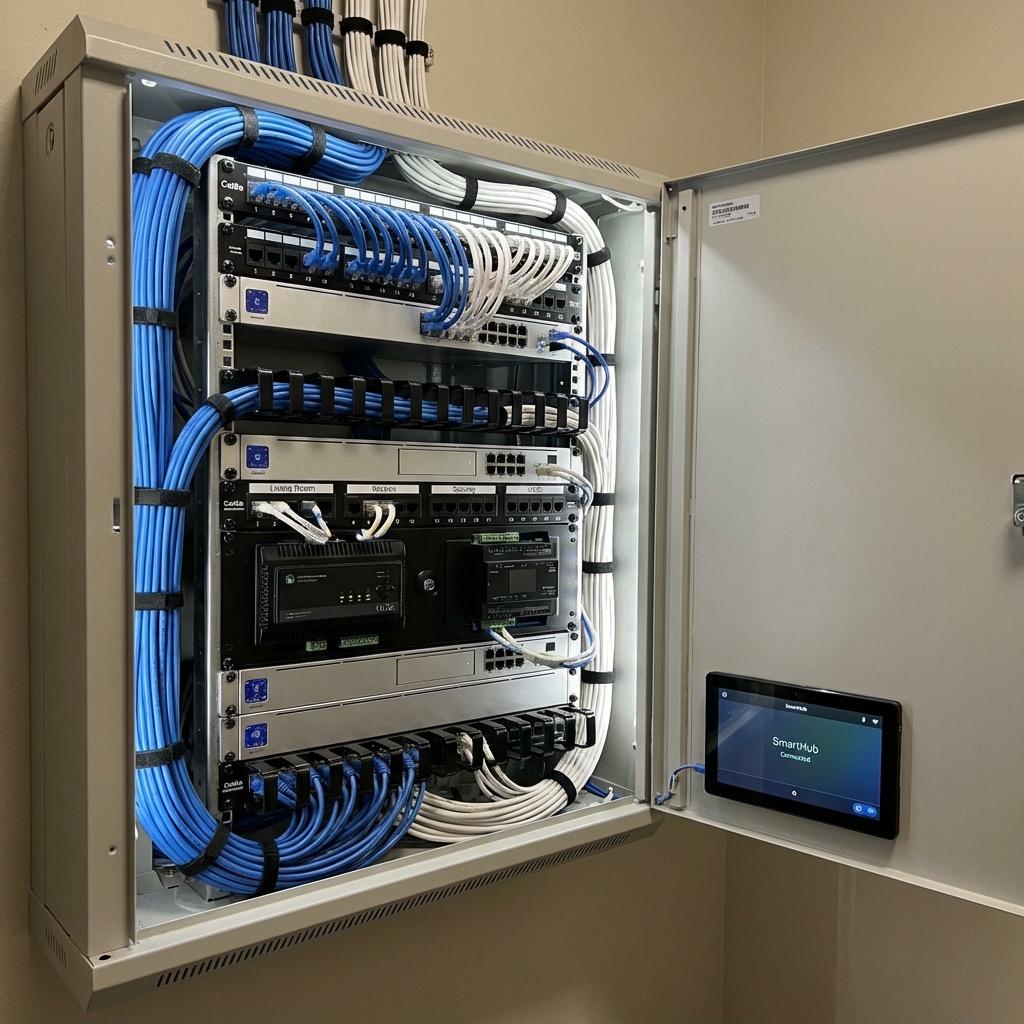
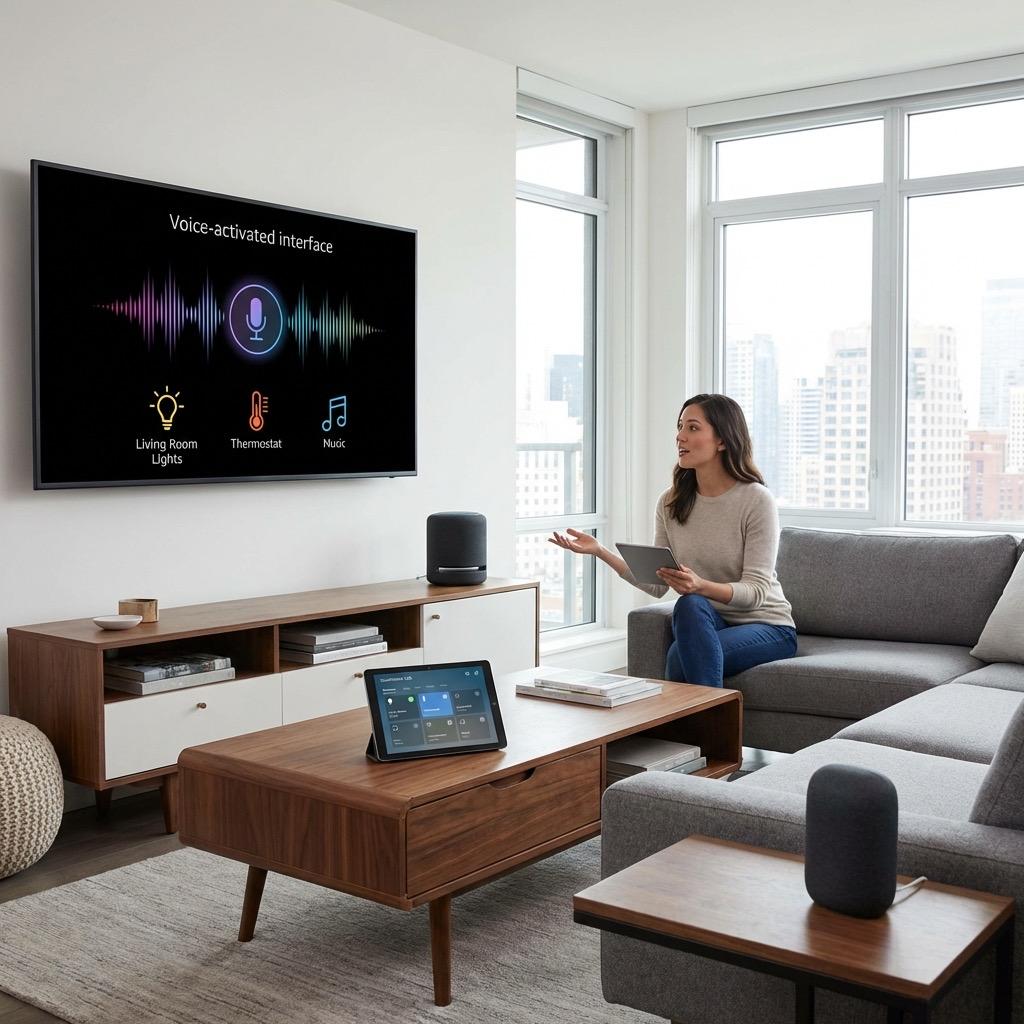
Voice control has become the most visible and immediately gratifying feature of a smart home. Walking into a room and saying "turn on the lights" or telling your voice assistant "good night" and watching the entire house respond feels like the future that science fiction promised. But behind that simple voice command is a stack of technology that needs to be properly configured. Here in Northern Virginia, we help homeowners integrate their electrical systems with Amazon Alexa, Google Home, and Apple HomeKit, and the platform you choose affects everything from which devices you can control to how private your data remains. This guide covers how each voice platform works, how to connect your smart electrical devices, and how to build automation routines that go far beyond simple voice commands.
Key Takeaways
- Amazon Alexa offers the widest device compatibility and most versatile routine automation capabilities.
- Google Home provides the most natural voice interaction and excels with Google ecosystem integration.
- Apple HomeKit offers the strongest privacy protections and reliable local control but has a smaller device selection.
- Many smart home devices support all three platforms simultaneously, so you do not have to pick just one.
- Automation routines triggered by time, sensors, or events are more powerful and practical than voice commands alone.
Understanding the Three Major Voice Platforms
Each voice assistant platform has its strengths and trade-offs. The right choice depends on your existing technology ecosystem, privacy priorities, and the specific devices you want to control.
Amazon Alexa
Alexa has the largest smart home device ecosystem with over 100,000 compatible products. If a smart device exists, it almost certainly works with Alexa. The Routines feature allows you to chain multiple actions together, triggered by voice commands, schedules, sensor events, or geofencing. Alexa also supports multi-room audio, intercom between Echo devices, and Drop In for quick communication between rooms, which is particularly useful in larger NoVA homes where yelling across floors is less than ideal.
Alexa devices range from the affordable Echo Dot to the Echo Show with a screen, making it easy to place voice control in every room. The Alexa app serves as a central dashboard for all your smart home devices regardless of their manufacturer, providing a single point of control.
Google Home and Nest
Google Home (now part of the Google Nest ecosystem) offers the most natural voice understanding. You can phrase commands in multiple ways and Google will generally understand your intent. Integration with Google services like Calendar, Maps, and Gmail allows for contextual responses and proactive suggestions. If your household relies on Android phones, Chromecast, and other Google products, the Nest ecosystem feels seamless.
Google's Home app has been significantly redesigned to offer better device management, automation scripting, and household member controls. The Nest Hub and Nest Hub Max provide touchscreen interfaces that serve as room controllers for smart home devices.
Apple HomeKit
HomeKit prioritizes security and privacy. All device communication is encrypted end-to-end, and Apple does not collect or store your smart home usage data. HomeKit runs locally on your Apple TV or HomePod, meaning your smart home continues to function even if your internet goes down. This local processing also results in faster response times for many operations.
The trade-off is a smaller device ecosystem. HomeKit certification requires manufacturers to meet Apple's security standards, which some smaller brands skip. However, the Matter standard is expanding HomeKit compatibility significantly, and major brands like Lutron, Ecobee, and Philips Hue have excellent HomeKit support.
Privacy Note: If privacy is a priority, HomeKit is the clear leader. For families in Northern Virginia's government and defense sectors who may have heightened privacy concerns, HomeKit's local processing and end-to-end encryption provide peace of mind that cloud-dependent platforms cannot match.
Connecting Smart Electrical Devices to Voice Assistants
The process for linking smart devices to voice assistants follows a general pattern, though specifics vary by manufacturer.
Whether it is a simple repair or a major electrical project, our licensed team is ready to help. Serving all of Northern Virginia with transparent pricing and expert workmanship. Call (703) 997-0026 today.
Smart Switches and Dimmers
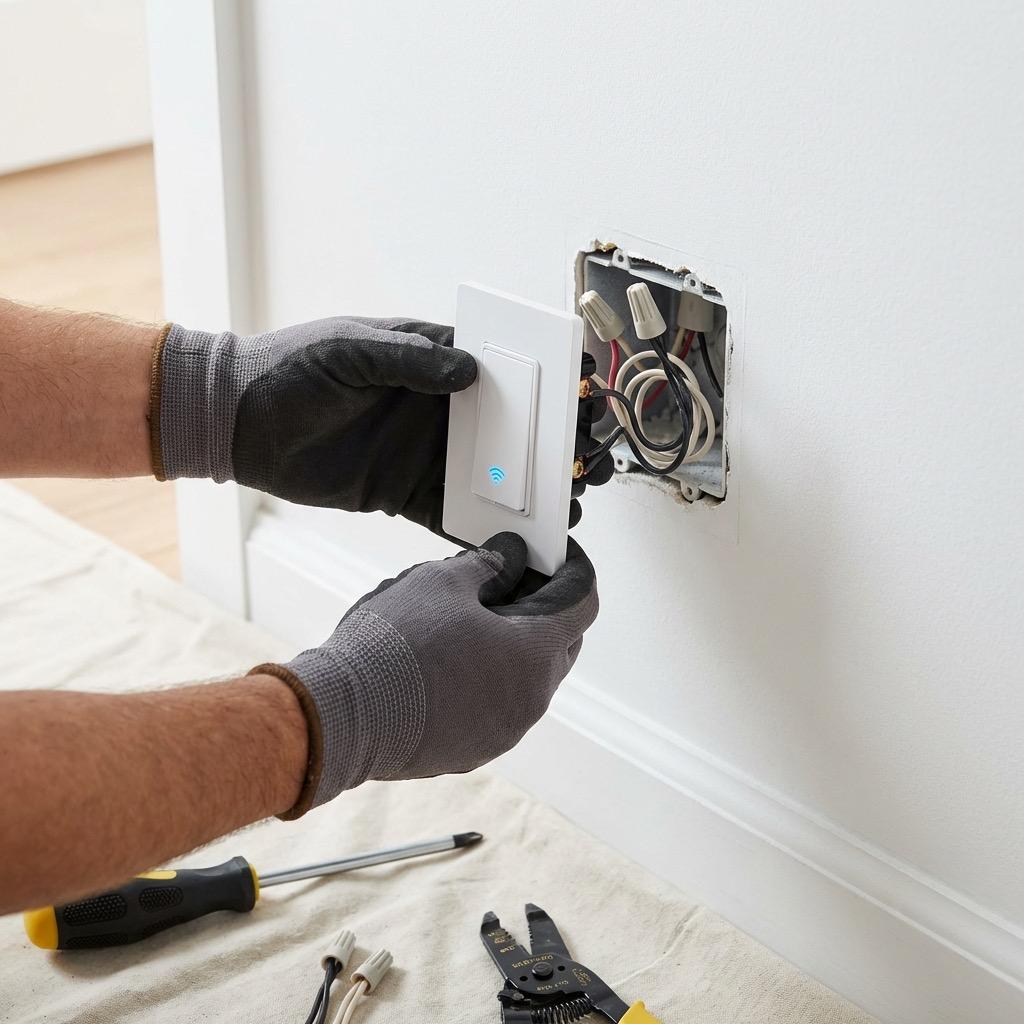
Lutron Caseta switches connect through the Lutron app and Smart Bridge, then link to Alexa via the Alexa skill, to Google through the Google Home app's device linking, and to HomeKit automatically since Caseta natively supports it. Once linked, you can control each switch by its assigned name: "Alexa, dim the kitchen lights to 50 percent" or "Hey Google, turn off the living room."
Smart Thermostats
Ecobee, Nest, and Honeywell thermostats integrate with all three voice platforms. Voice commands can set specific temperatures, switch between modes, or activate preset schedules. "Set the thermostat to 72" is faster than getting up and walking to the hallway, especially during cold Northern Virginia winter mornings.
Smart Doorbells and Cameras
Ring doorbells and cameras work primarily with Alexa, with limited Google Home support. Nest doorbells integrate natively with Google and have HomeKit support through the Home app. When someone rings your smart doorbell, your voice assistant can announce the visitor and display the camera feed on compatible screens throughout your home.
Building Automation Routines
Voice commands are just the beginning. The real power of voice assistant platforms lies in automation routines that execute multiple actions from a single trigger. These routines transform individual smart devices into a coordinated system.
Morning Routine Example
A "Good Morning" routine triggered by voice or by your first alarm could gradually brighten bedroom lights to a warm white, set the thermostat to your daytime temperature, turn on the kitchen lights and start the coffee maker (via a smart plug), read your calendar events and weather forecast, and disarm the security system. Instead of manually adjusting six different devices, one phrase handles everything.
Away and Vacation Modes
A "Leaving Home" routine triggered by a voice command or geofencing when your phone leaves the area could turn off all interior lights, set the thermostat to an energy-saving temperature, lock all smart locks, arm the security system, and activate randomized lighting schedules to simulate occupancy. For Northern Virginia homeowners who travel frequently, vacation mode lighting is a practical security feature.
Goodnight Routine
The "Good Night" routine is often the most appreciated automation. A single voice command turns off all lights except a dim hallway nightlight, locks all exterior doors, sets the thermostat to a comfortable sleeping temperature, arms the security system in home mode, and turns on bedroom fans or sound machines.
Pro Tip: Name your devices and rooms logically during setup. Use room names like "Kitchen," "Master Bedroom," and "Patio" rather than device model numbers. Group related devices so you can control them together. "Turn off the upstairs" is much faster than naming each room individually.
Multi-Platform Households
You do not have to choose just one voice platform. Many Northern Virginia households use multiple platforms throughout the home. Alexa might serve the kitchen and family room where its shopping list and music streaming features shine. A HomePod in the bedroom provides Siri access for Apple users. A Nest Hub in the home office integrates with Google Calendar and video conferencing.
The key to multi-platform success is choosing smart devices that support all three platforms. Lutron Caseta, Ecobee thermostats, and Philips Hue all work with Alexa, Google, and HomeKit simultaneously. This means anyone in your household can control any device using whichever voice assistant is nearest, regardless of which platform they personally prefer.
Local Control as a Safety Net
No matter how sophisticated your voice control setup becomes, every device should still work through physical controls. Smart switches should still toggle on and off manually. Thermostats should have a touchscreen interface. Smart locks should accept a key or code. Internet outages, voice assistant service disruptions, and WiFi problems are realities that every smart home must handle gracefully. The hallmark of a well-designed smart home is that it enhances the experience when everything is connected but degrades gracefully to manual control when technology hiccups occur.
Want to integrate voice control into your Northern Virginia home? AJ Long Electric designs and installs voice-controlled smart home systems that work seamlessly with Alexa, Google Home, and Apple HomeKit. From selecting compatible devices to configuring automation routines, our team ensures your connected home responds to your voice reliably and securely. Reach out today to schedule a consultation and experience the convenience of a truly voice-controlled home.
Tags:

Written by
Matt Long
Master Electrician
Our team of licensed electricians brings over 40 years of combined experience serving Northern Virginia. We're committed to providing expert electrical solutions with a focus on safety, quality, and customer satisfaction.
Reviewed by AJ Long Electric Master Electricians · VA License #2705031092 · View Credentials