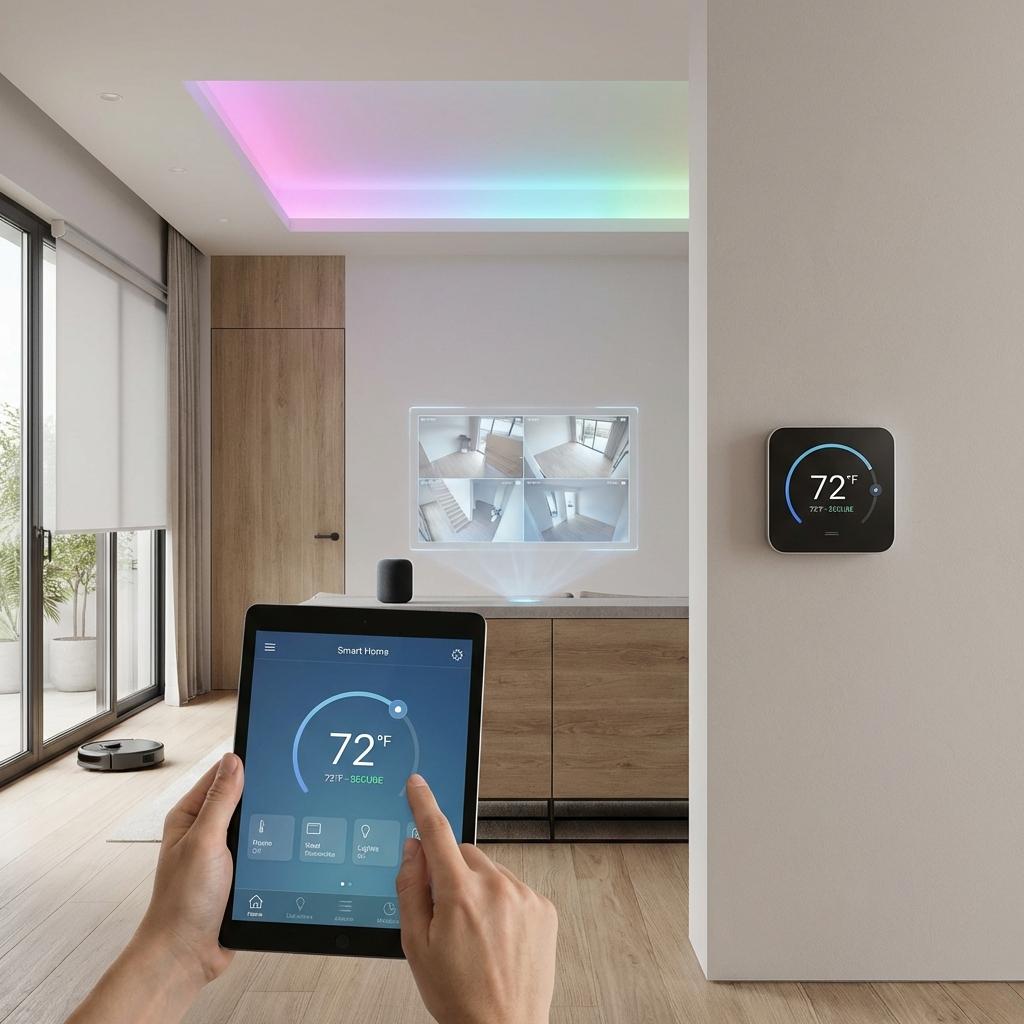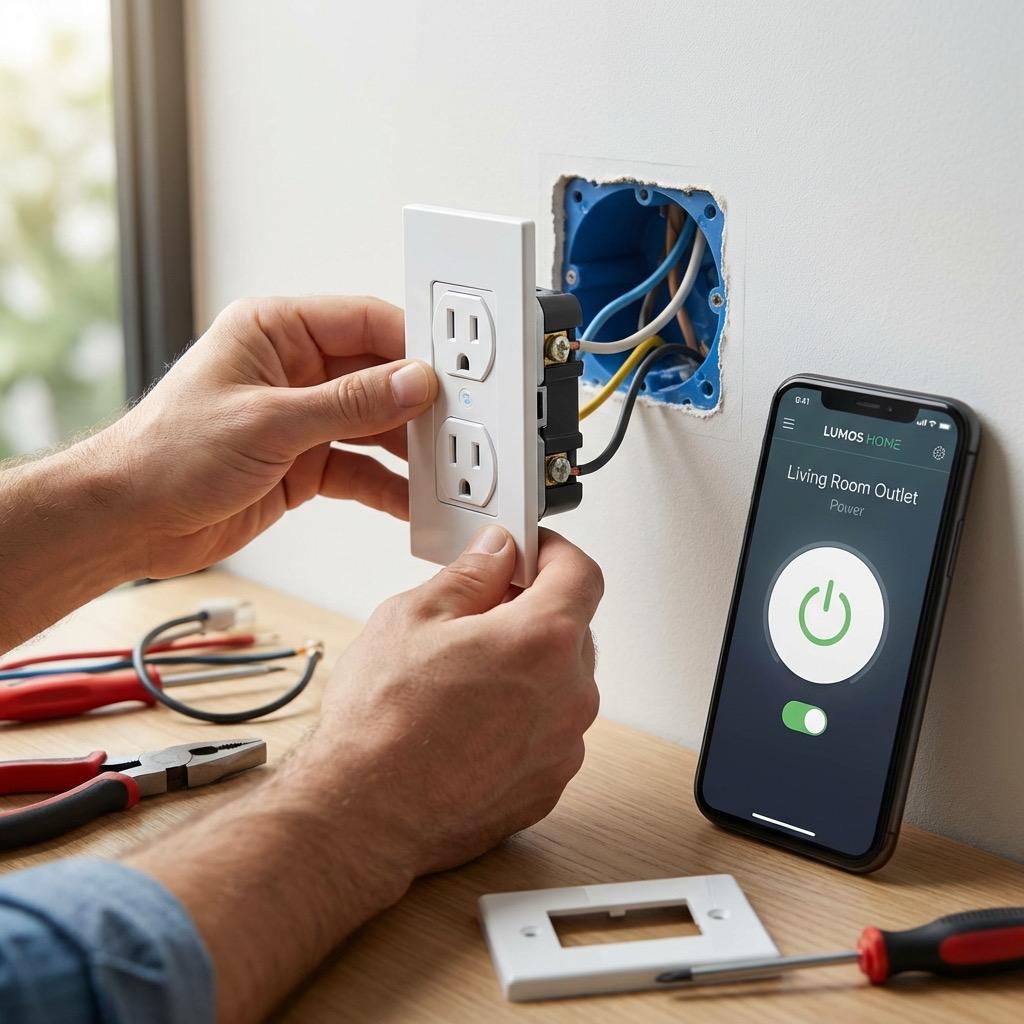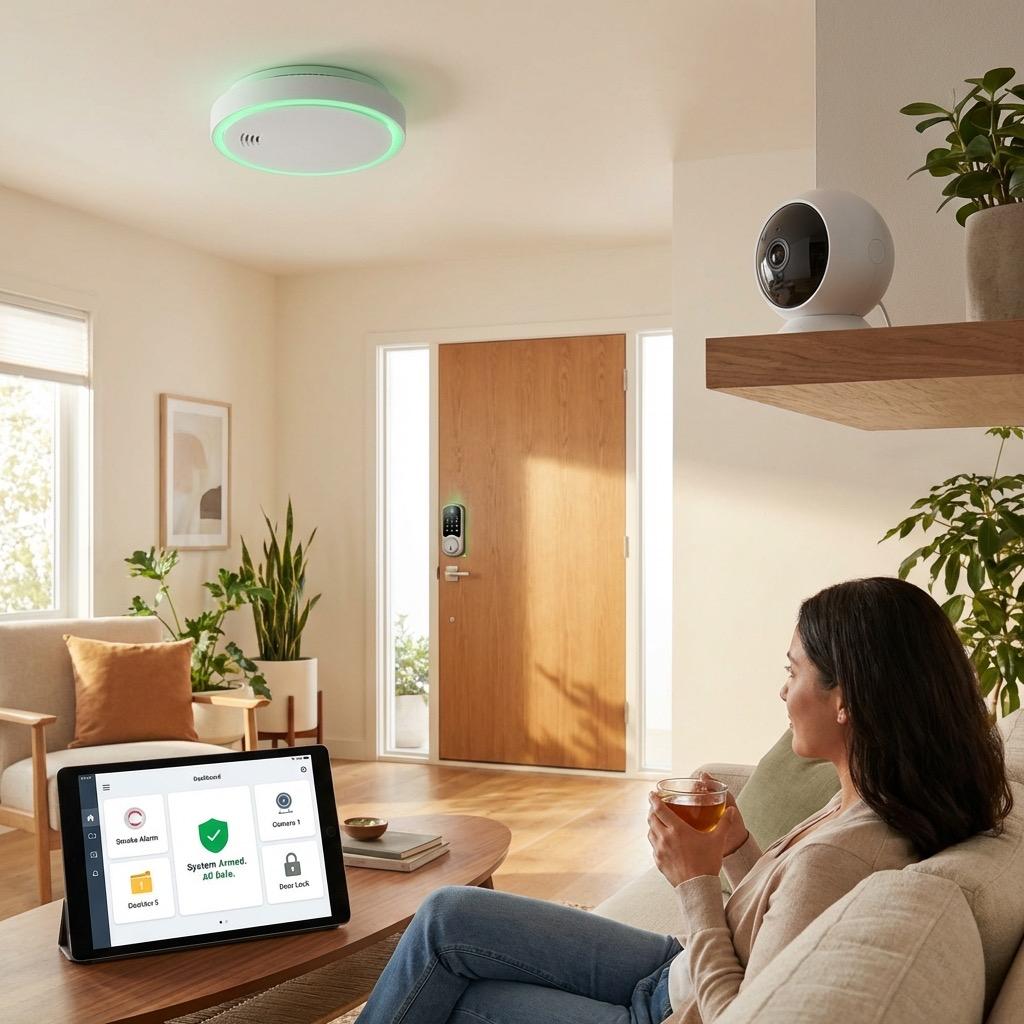
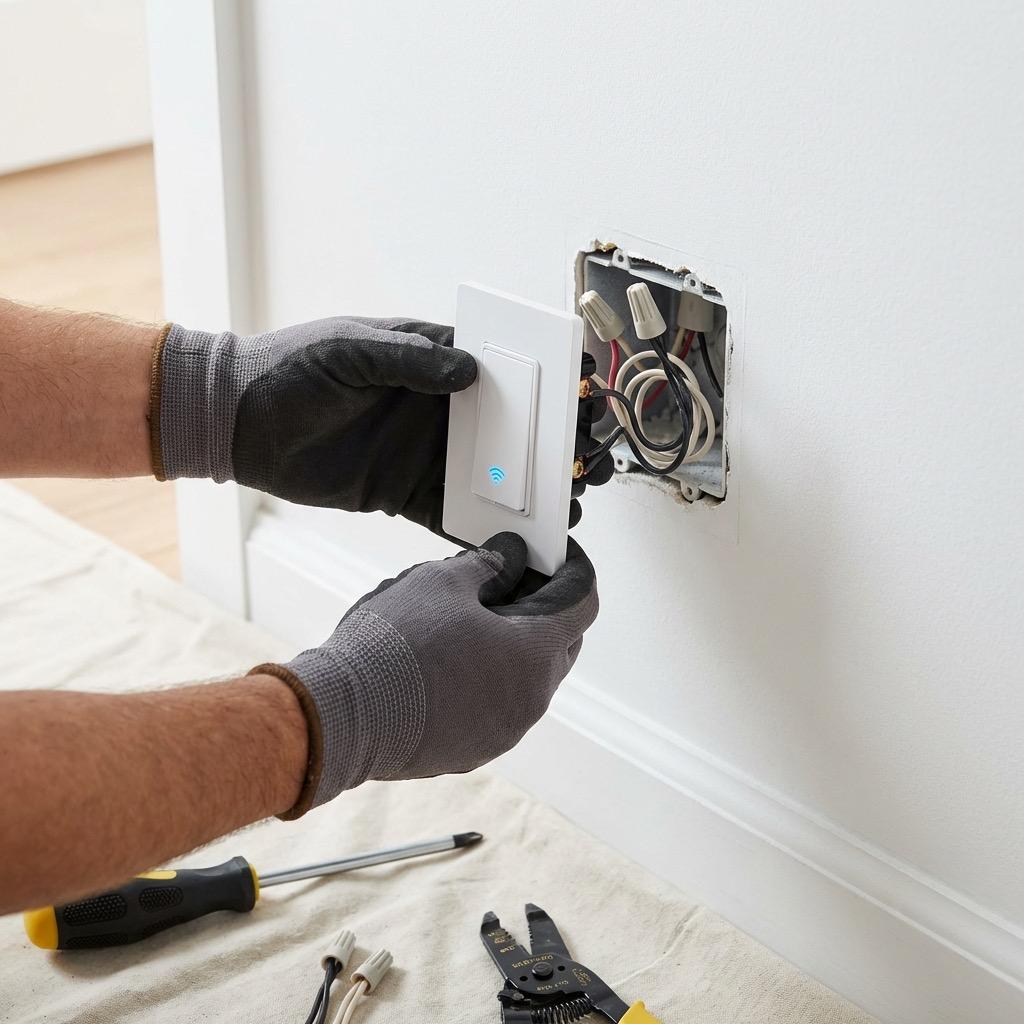
Smart switches are one of the most impactful upgrades you can make when building a connected home. Unlike smart bulbs that need to stay powered on at the fixture, smart switches replace the wall switch itself, giving you app control, voice integration, and scheduling capabilities while keeping the familiar wall switch experience your family already knows. Here in Northern Virginia, we install smart switches in homes ranging from brand-new construction in Ashburn to 1960s colonials in Falls Church, and the process varies significantly depending on your existing wiring. This guide walks you through everything you need to know about smart switch installation, from checking your wiring to choosing the right product and knowing when it is time to call a licensed electrician.
Key Takeaways
- Most smart switches require a neutral wire, which many homes built before the 1980s may lack at the switch box.
- Always turn off power at the breaker and verify with a non-contact voltage tester before touching any wiring.
- Lutron Caseta is the top recommendation for older homes because it does not require a neutral wire.
- Three-way switch configurations need compatible smart switches or a smart switch paired with a companion switch.
- If you encounter aluminum wiring, no neutral wire, or unfamiliar wiring configurations, contact a licensed electrician.
Why Smart Switches Beat Smart Bulbs
When homeowners first explore smart lighting, many start with smart bulbs because they seem easier. You screw in a bulb, connect it to WiFi, and you are set. But smart bulbs have a fundamental flaw: if someone flips the physical wall switch off, the smart bulb loses power and becomes unreachable. This leads to frustrated family members and guests who cannot figure out why the lights will not turn on.
Smart switches solve this entirely. The switch itself is the smart device, so any standard bulb works in the fixture. Flip the switch manually or control it from your phone. Either way, it works. Smart switches also cost less per controlled fixture since one switch can control multiple lights on the same circuit, whereas smart bulbs require a separate purchase for each fixture.
Cost Comparison for a Typical Northern Virginia Home
For a typical four-bedroom colonial in Fairfax or Loudoun County with 25 light fixtures, outfitting every fixture with smart bulbs could run $500 to $1,000. The same home might have 15 switch locations, and outfitting those with smart switches runs $450 to $750 total. You get whole-home control for less money, and you never have to worry about someone accidentally using a non-smart bulb as a replacement.
Understanding Neutral Wire Requirements
The single biggest factor determining which smart switch you can install is whether your switch box has a neutral wire. A neutral wire (typically white) carries current back to the electrical panel and provides the continuous low-voltage power that most smart switches need to maintain their WiFi connection, run their internal processor, and keep indicator LEDs lit.
Whether it is a simple repair or a major electrical project, our licensed team is ready to help. Serving all of Northern Virginia with transparent pricing and expert workmanship. Call (703) 997-0026 today.
How to Check for a Neutral Wire
Turn off the breaker controlling the switch you want to upgrade. Remove the switch cover plate and unscrew the switch from the electrical box. Look inside the box for a bundle of white wires connected together with a wire nut. This bundle is your neutral. In homes wired to modern code, the neutral is present in switch boxes. In many older homes throughout Arlington, Alexandria, and other established NoVA neighborhoods, the neutral wire was routed directly to the fixture instead of through the switch box.
Important: Never assume a white wire in a switch box is neutral. In some older wiring configurations, white wires are repurposed as hot or traveler wires. If you are unsure, a licensed electrician can test and identify all wires safely.
Options When You Have No Neutral Wire
If your switch box lacks a neutral wire, you have three options. First, you can choose a smart switch that does not require a neutral, such as the Lutron Caseta system, which uses its own Clear Connect RF technology and a separate hub rather than WiFi. Second, you can have an electrician run a neutral wire to the switch box, which involves fishing wire through the wall. Third, you can use a bypass module at the fixture, though this approach has limitations and does not work with all switch and fixture combinations.
Single Pole vs Three-Way Configurations
A single-pole switch controls a light from one location. This is the most straightforward smart switch installation. You have a hot wire coming in, a load wire going to the fixture, a ground, and hopefully a neutral. You disconnect the old switch, connect the new smart switch following the manufacturer's wiring diagram, and you are done.
Three-Way Switch Setups
Three-way switches control a single light from two locations, such as both ends of a hallway or the top and bottom of a staircase. These are more complex because the wiring includes traveler wires that communicate between the two switch positions. When upgrading to smart switches, you typically replace one switch with the smart switch and the other with a companion or remote switch from the same manufacturer. Some systems, like Lutron Caseta, use a Pico remote at the second location instead of a wired companion, which simplifies installation considerably.
Step-by-Step Installation Process
Before you begin, gather your tools: a non-contact voltage tester, a Phillips and flathead screwdriver, wire strippers, wire nuts (though most smart switches use push-in connectors), and a flashlight.
Step 1: Turn Off Power and Verify
Go to your electrical panel and turn off the breaker for the circuit you will be working on. Return to the switch and use a non-contact voltage tester to confirm power is off. Test the tester on a known live outlet first to make sure it is working properly.
Step 2: Remove the Existing Switch
Remove the cover plate and the screws holding the switch to the electrical box. Gently pull the switch out of the box. Take a photo of the wiring before disconnecting anything. This reference photo has saved many DIYers from confusion during reassembly.
Step 3: Identify Your Wires
Identify each wire: the line wire (power from the panel), the load wire (power to the fixture), the neutral bundle (white wires connected together), and the ground (bare copper or green). If you have a three-way switch, you will also have traveler wires. A multimeter can help you identify line versus load if the wires are not clearly marked.
Step 4: Connect the Smart Switch
Follow the manufacturer's wiring diagram precisely. Most smart switches use push-in or clamp-style connectors. Connect the line, load, neutral, and ground wires to the corresponding terminals on the smart switch. Carefully fold the wires and push the switch into the box. Smart switches are typically larger than standard switches, so box space can be tight.
Step 5: Restore Power and Configure
Secure the switch with screws, install the cover plate, and restore power at the breaker. Download the manufacturer's app and follow the setup instructions to connect the switch to your WiFi network and configure schedules, scenes, or voice assistant integration.
Pro Tip: If the smart switch does not fit easily in the electrical box, do not force it. Cramming wires can damage connections and create fire hazards. An electrician can install a box extender or deeper box to provide adequate space.
Popular Smart Switch Brands Compared
After installing thousands of smart switches across the DMV area, we have clear preferences based on reliability, ease of use, and long-term support.
Lutron Caseta
Lutron Caseta remains our top recommendation for most homeowners. It does not require a neutral wire, uses its own dedicated RF frequency instead of WiFi (so it never drops off your network), and integrates with every major voice platform. The system requires a small bridge plugged into your router, but this hub-based approach is actually an advantage because it isolates smart lighting traffic from your WiFi network.
TP-Link Kasa and Leviton Decora
For homeowners who want WiFi-based switches without a hub, TP-Link Kasa and Leviton Decora Smart are solid choices. Both require a neutral wire. Kasa offers competitive pricing and a well-designed app. Leviton Decora appeals to homeowners who want a switch that looks indistinguishable from standard Decora switches, which is common in many Northern Virginia homes built in the last 20 years.
Inovelli and Zooz
For smart home enthusiasts running a hub like Home Assistant or Hubitat, Z-Wave switches from Inovelli and Zooz offer advanced features like LED notification bars, power monitoring, and local control without cloud dependency. These require more technical setup but reward hands-on users with powerful automation capabilities.
When to Call a Licensed Electrician
Smart switch installation is within reach for handy homeowners with basic electrical knowledge, but several situations call for professional help. If your home has aluminum wiring, which is common in homes built between 1965 and 1973 in areas like Springfield, Burke, and Annandale, you need an electrician who understands the special connectors and techniques required. If you open the switch box and find unfamiliar wiring, more wires than expected, or signs of previous unpermitted work, stop and call a pro.
Fairfax County, Loudoun County, and Prince William County each have their own permit requirements for electrical work. While simple switch replacements often do not require permits, adding new circuits or modifying wiring does. A licensed electrician ensures all work meets Virginia code requirements and can pull permits when necessary.
Ready to upgrade your home with smart switches? AJ Long Electric has been helping Northern Virginia homeowners modernize their electrical systems since 1996. Whether you need a single switch installed or want to plan a whole-home smart lighting system, our licensed electricians ensure every connection is safe, code-compliant, and built to last. Contact us today for a free consultation.
Tags:

Written by
Matt Long
Master Electrician
Our team of licensed electricians brings over 40 years of combined experience serving Northern Virginia. We're committed to providing expert electrical solutions with a focus on safety, quality, and customer satisfaction.
Reviewed by AJ Long Electric Master Electricians · VA License #2705031092 · View Credentials